OurArchive
Tech Stack: Flutter | Dart | Firebase | Riverpod | Cloud Firestore | Firebase Storage | Material Design 3
Built with: Claude Code AI-assisted development
A household inventory app that actually makes sense. Track your books, vinyl, games, and random stuff across rooms, shelves, and boxes. Scan a barcode, auto-fill everything, never lose track of what you own again.
The Problem
"Where did I put that book?" "Do we already own this game?" "Which box has the Christmas decorations?"
Most inventory apps are either enterprise-level complicated or glorified spreadsheets. I wanted something that mirrors how people actually organize—rooms contain shelves, shelves contain boxes, boxes contain... more boxes. Just like real life.
How It Works
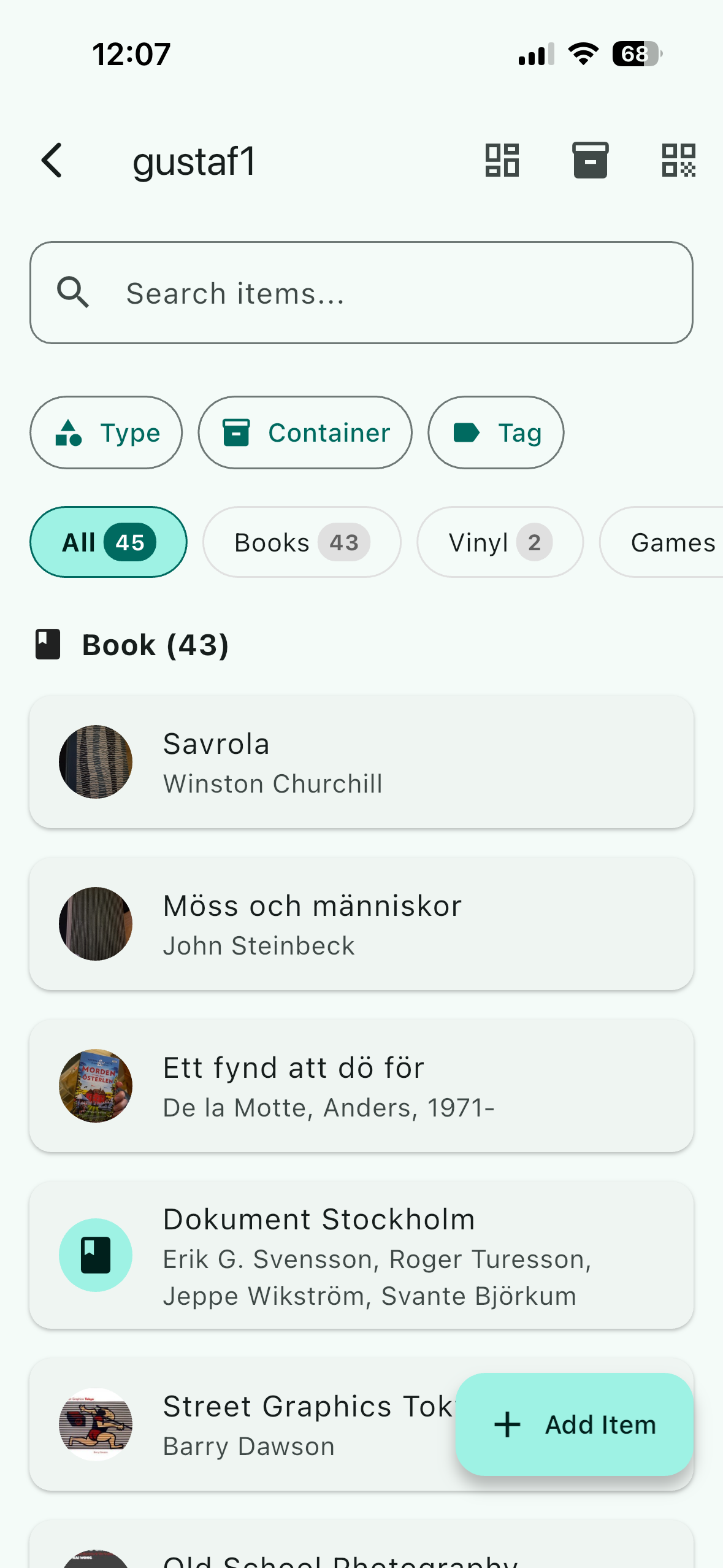 Browse your stuff. 43 books, 2 vinyl records. Filter by type, container, or custom tags.
The app lets you organize items hierarchically. Your living room has a bookshelf. That bookshelf has three shelves. The top shelf has a box. The box has another box. You get it.
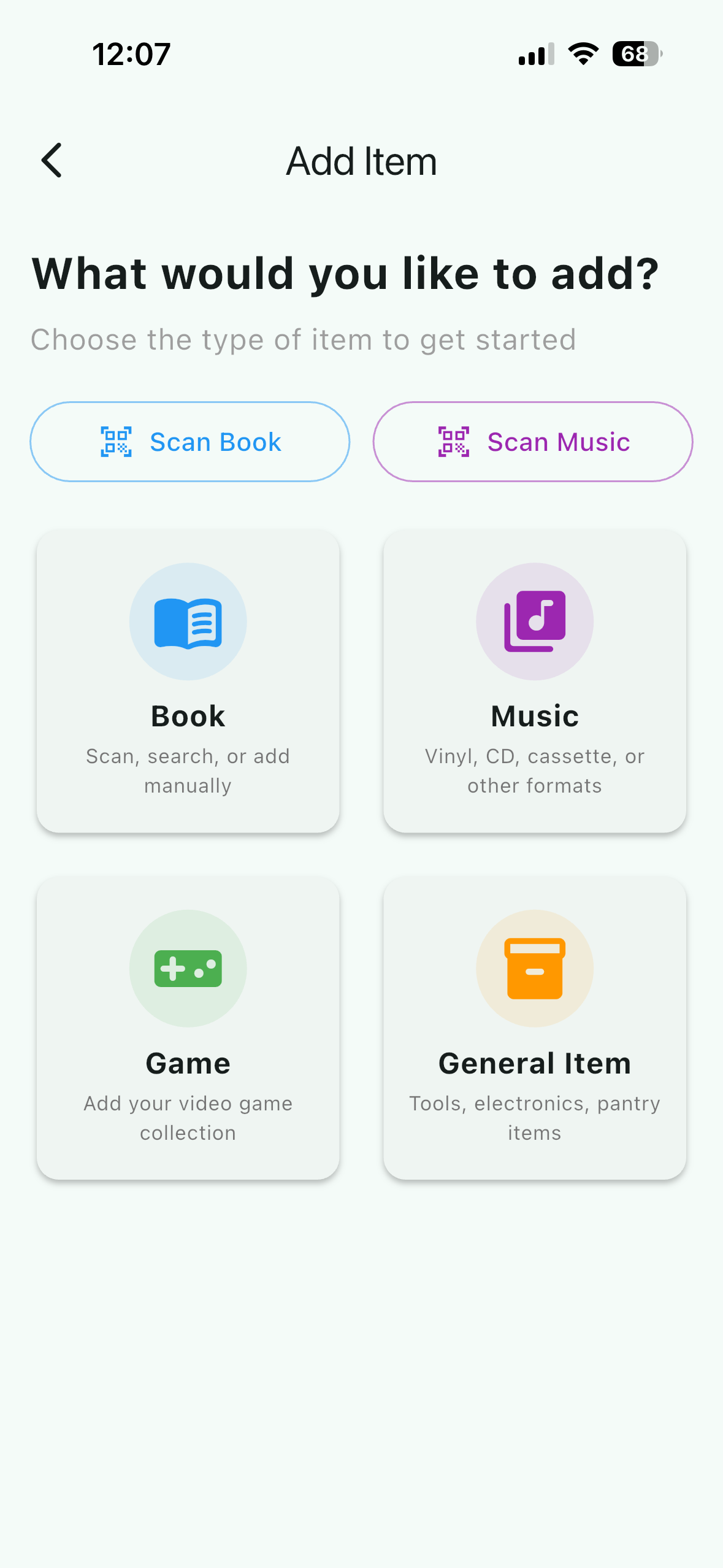 Choose what you're adding. Books and music get special treatment with barcode scanning.
The Cool Part: Smart Barcode Scanning
The killer feature is ISBN scanning for books. Point your camera at a barcode, and the app hits three different APIs in sequence—Google Books first, then Open Library, finally the Swedish Royal Library (Libris, because I'm in Sweden and Swedish books are poorly covered elsewhere). 95%+ success rate on lookups.
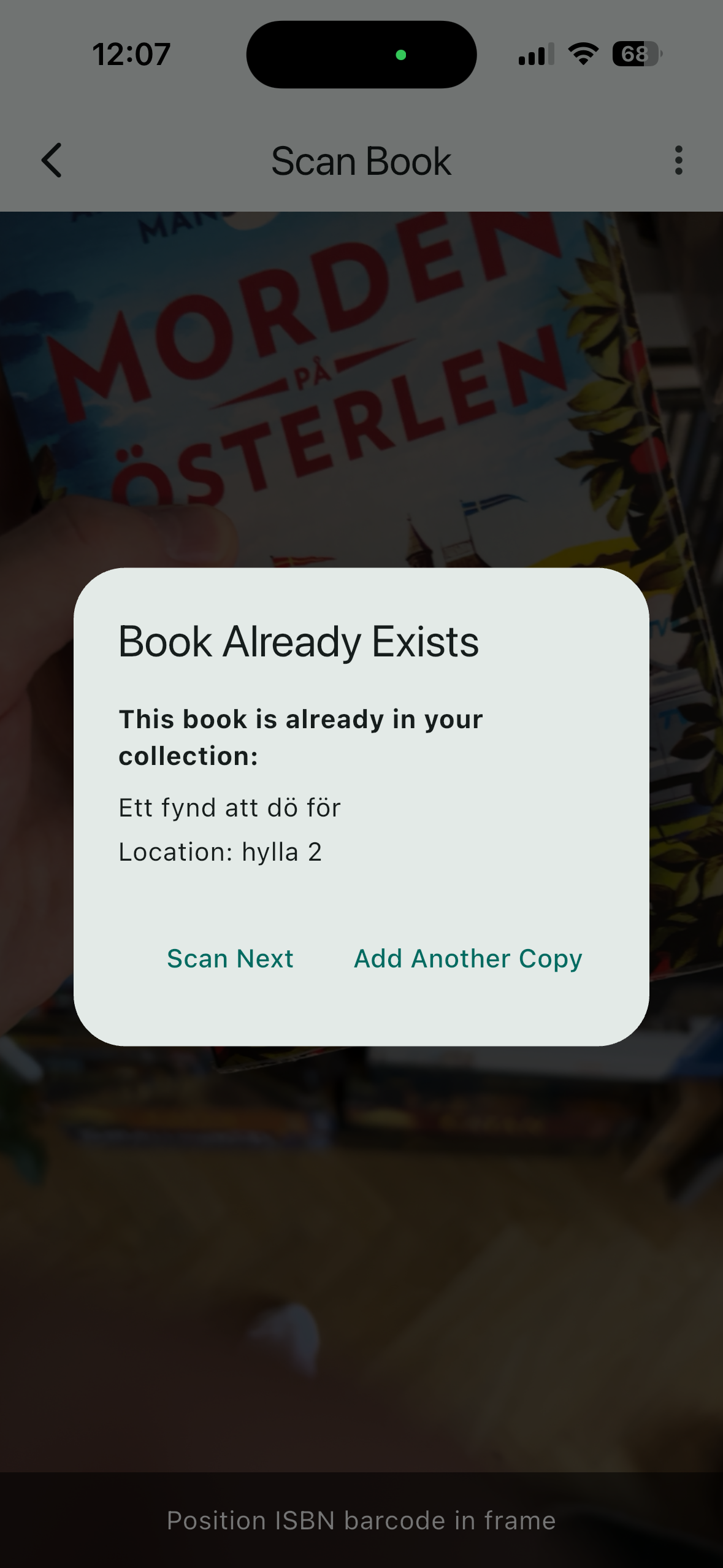 Scan a book you already own? It tells you where it is and asks if you want another copy.
When you scan a book that's already in your collection, it catches it immediately and shows you exactly where you put it last time. No more buying duplicates.
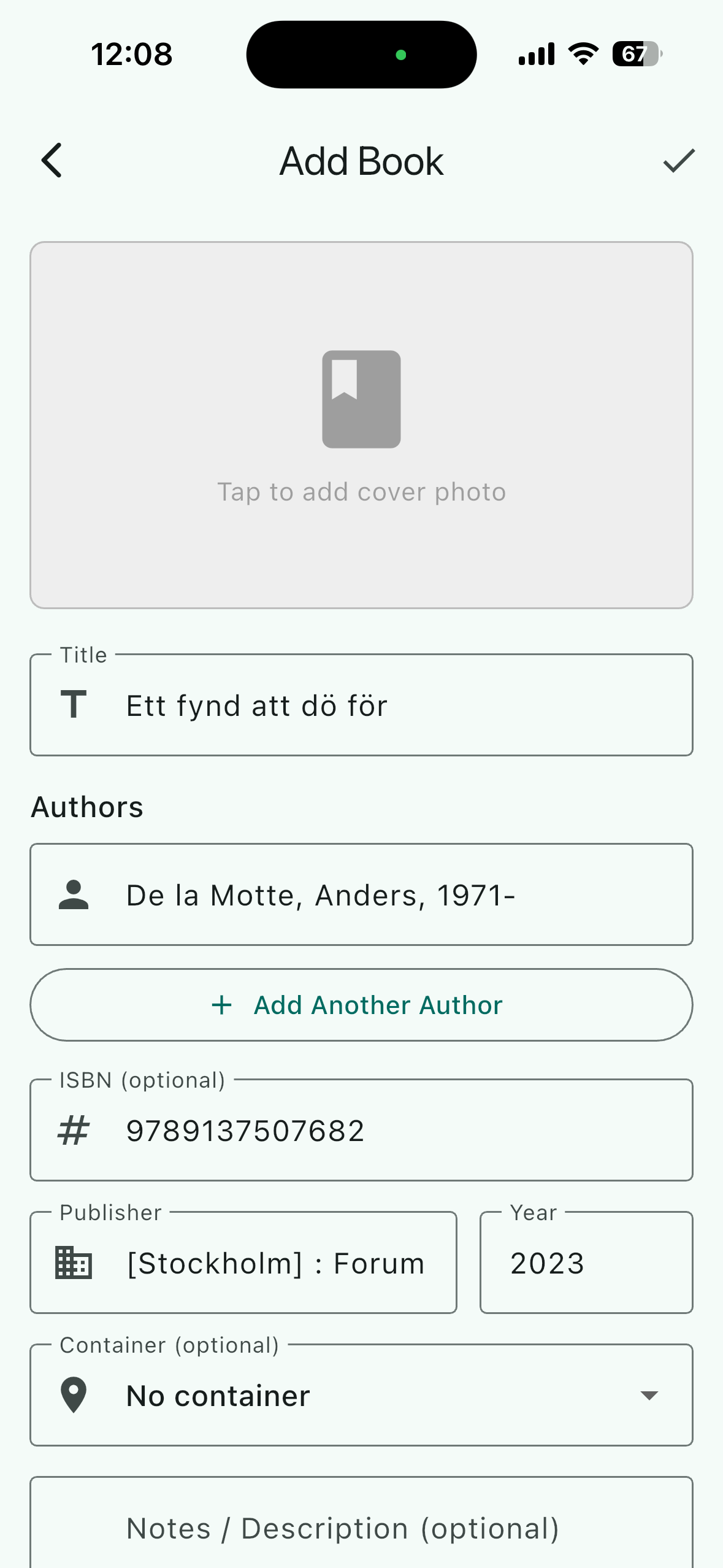 Everything auto-fills from the barcode. Title, author, ISBN, publisher, year—all pulled from the API.
The form populates automatically. Just pick which box it goes in and save. Takes maybe 5 seconds total.
Technical Bits
Built with Flutter for the cross-platform mobile app. Firebase handles auth, database (Firestore), and image storage. The architecture uses Riverpod for state management—clean separation between data, logic, and UI.
The app works completely offline. You can catalog your entire basement without cell service, and everything syncs when you're back online. There's a priority queue system that ensures critical stuff (like photo uploads) happens before background tasks.
Multi-household support with role-based permissions. Share your household with roommates or family. Owners control everything, Members can add/edit, Viewers just browse. Invite codes have checksums to catch typos.
Built with Claude Code
This whole thing was "vibe coded" with Claude Code. I'd describe what I wanted ("need a way to handle scanning the same book twice"), Claude would generate an implementation, we'd iterate on it together. The triple-API fallback? Started as "what if Google Books is down" and evolved through a conversation about reliability.
It's a different way to build. Less time writing boilerplate, more time thinking about architecture and UX. Claude handles the Riverpod providers and Firebase repository patterns while I focus on making the app actually useful. Prototyped complex features in hours instead of days.
Development stats: Several months part-time, ~15,000 lines of Dart, built entirely through AI collaboration.
What I Learned
The offline-first architecture was harder than expected—handling sync conflicts when multiple people edit the same item simultaneously requires careful thought. Firebase Security Rules are powerful but easy to mess up (you really need to test them).
The ISBN scanning turned into a mini research project. Different APIs return different data quality. Google Books has the best metadata but rate limits hard. Open Library is slower but more permissive. Libris covers Swedish books no one else has. Combining all three gave way better coverage than any single source.
Biggest learning: AI-assisted development really shines for rapid prototyping and iteration. But you still need to understand the architecture deeply—Claude generates code, but you're responsible for whether it's good code.
What's Next
Currently beta-ready. Main items on the list:
- Item detail/edit screens (can add but not easily modify yet)
- Better search and filtering
- Activity feed showing what household members are doing
- More unit test coverage
- Polish on loading states and error handling
Future dreams: AR mode to visually locate items with your camera, spatial maps showing where things are, ML-powered auto-categorization.
Links
- GitHub Repository →
- Claude Code → - The AI dev tool that made this possible
- Live Demo: Coming soon (beta testing phase)
Built entirely through human-AI collaboration. This documentation was also written with Claude Code's help, because why not practice what you preach.